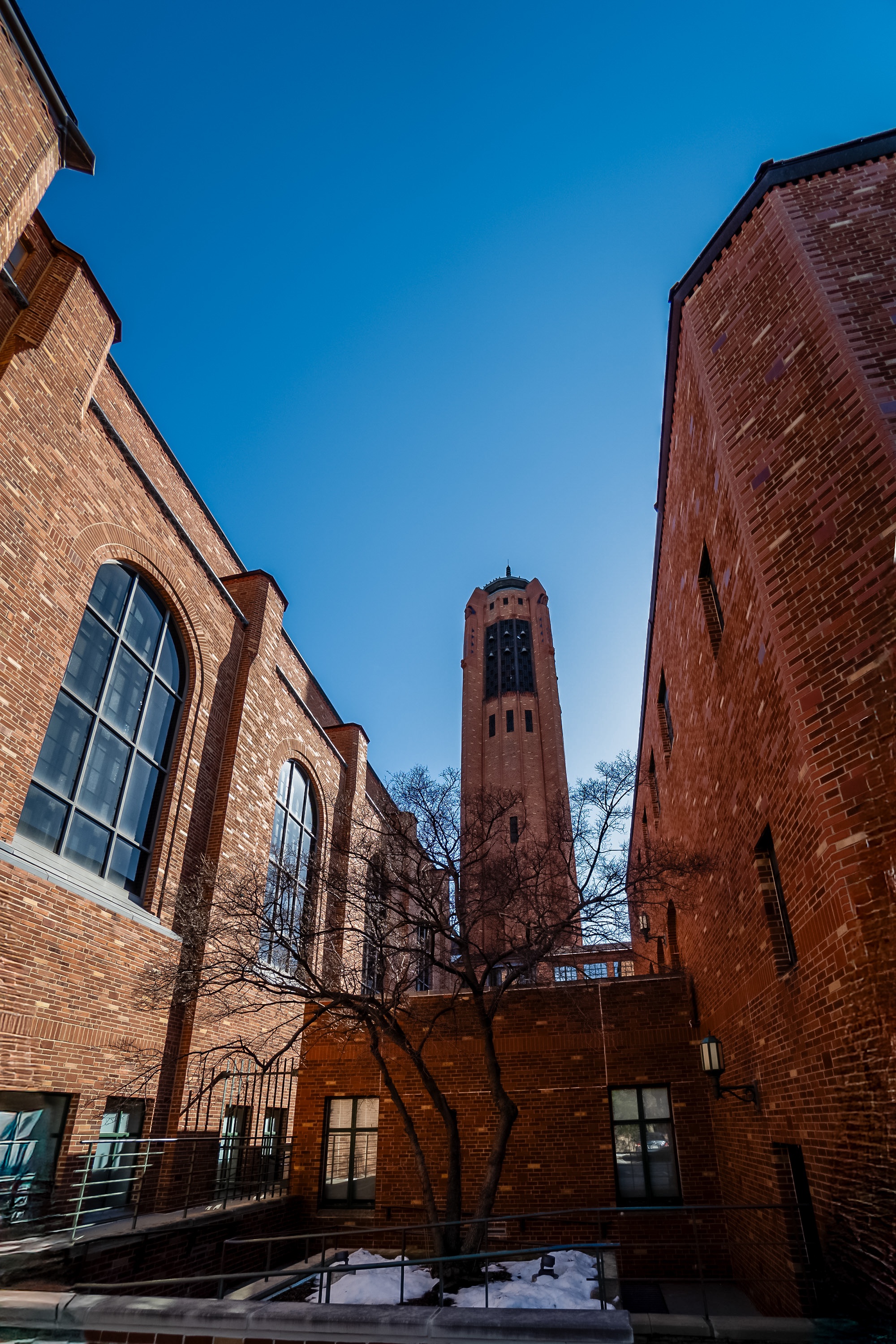
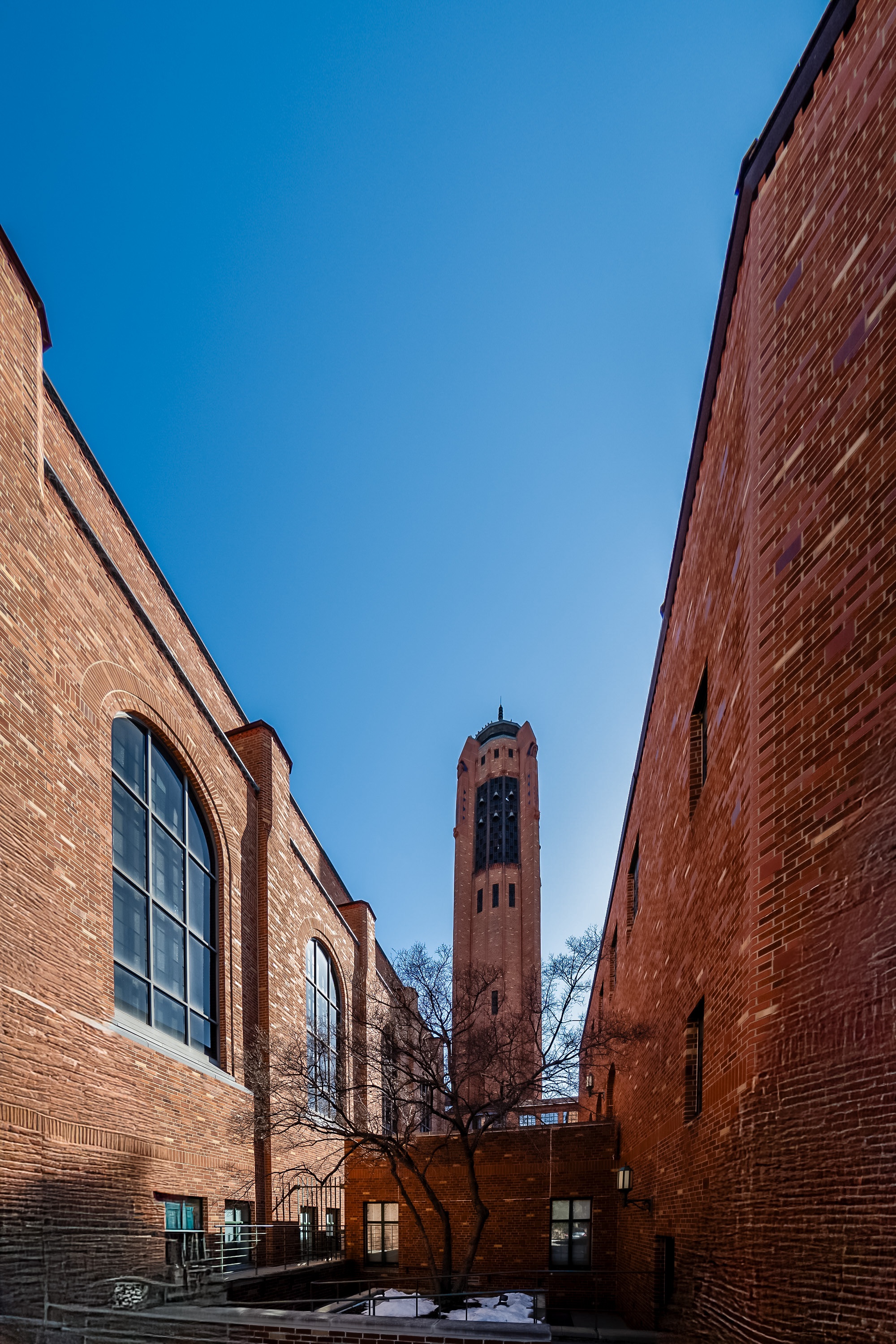
I do use Transform in Lightroom Classic a great deal. I almost always apply lens corrections first, then if I think I can improve the picture I will try Transform's tools. But I did not on this picture:
https://uploads.disquscdn.com/images/58faa375818afbab654944c875e3d156cd7363e98d71cb33e6c9f9a7d5239a32.jpg I had a new 10mm lens and tried it out on this church bell tower. When you are close with a wide-angle there will be convergence. In this instance I didn't mind it, but Erin's article prompted me to see what I could do to plumb it up.
https://uploads.disquscdn.com/images/d5802a16c472acde858b5ab95f87854e51cafa63cc15a480adee78bd43adc0d5.jpg For this demo I pulled out all the stops, dragging everything upright and perfectly plumb in Lightroom. It caused a lot of other distortions. The blank "darts" at the bottom left and right are where the missing data is. Pretty weird looking, but simply cropping would be awful.
https://uploads.disquscdn.com/images/23d0bcc9086b6c2979b12f0d3a2696c4aca25d3cf19555c883ba59854c3bdd3f.jpg In Photoshop 2025, though, I selected the two empty spaces, added a 3-pixel cushion to avoid a visible line, and just hit "generate" so Photoshop's AI would fill the missing data from the adjacent pixels. Pretty cool.
You’re welcome glad you found the article useful.
]]>Just a few pesky typos though: I’m guessing “access point” should be “axis point”? And “viewers eyes” needs an apostrophe somewhere, depending on the number of viewers.
Thanks!
]]>Oops! Do Straight Lines Right!
]]>Did you mean DSLR – Do Lines Straighten Right!
]]>Good question. Why does Lightroom do what it does. Lol! The program is set to follow some pretty generic algorithms in regards to using auto. The lens you use also matters.
]]>